
Microsoft Surface Laptop 8 (13.8in) review
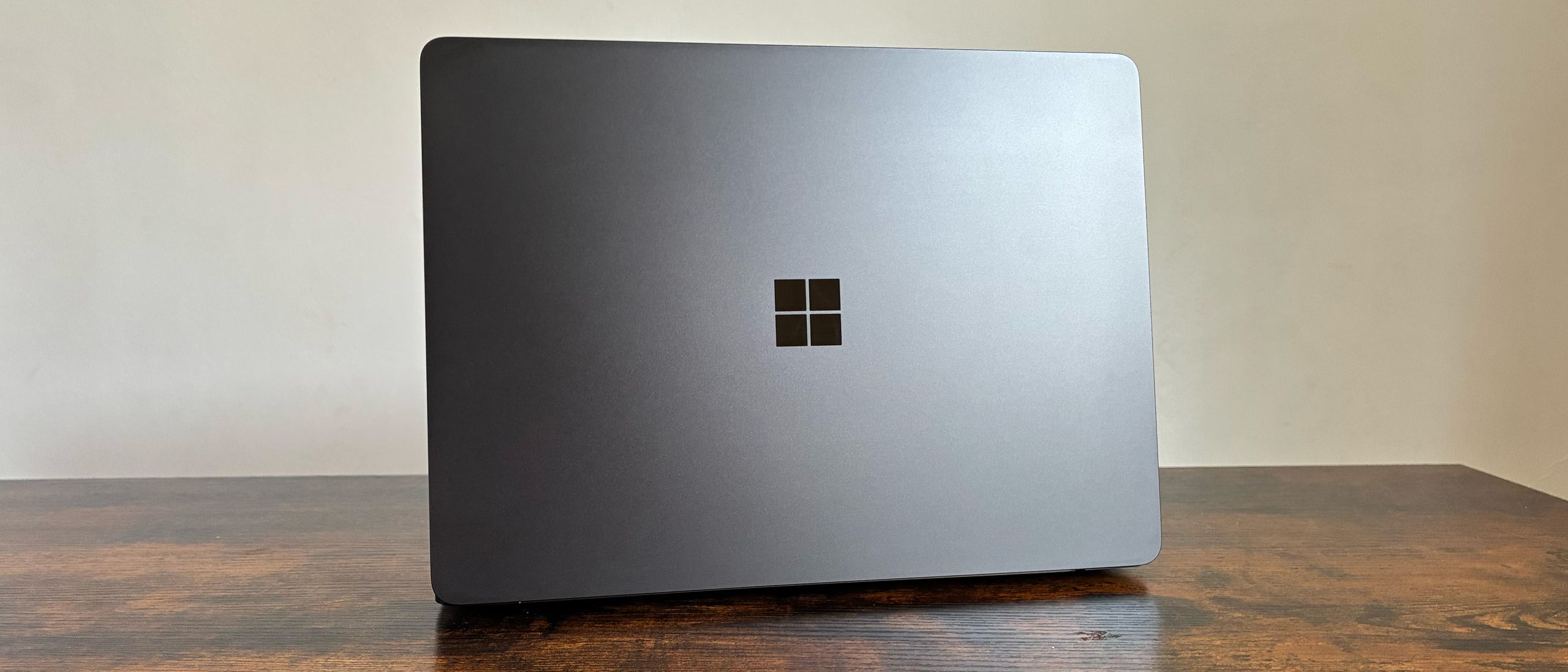

The Microsoft Surface Laptop is back with an 8th edition for 2026. It comes with some great features and, due to the ongoing issues with RAM supply, a bigger price tag.
We have the ‘For Business’ model of the Laptop 8, which can be purchased in 13in, 13.8in, and also 15in. While the 13in is the most compact Surface Laptop yet, our review is focused on the 13.8in model with the Intel Core Ultra X7 368H chip.
Microsoft Surface Laptop 8: Design
Image 1 of 10
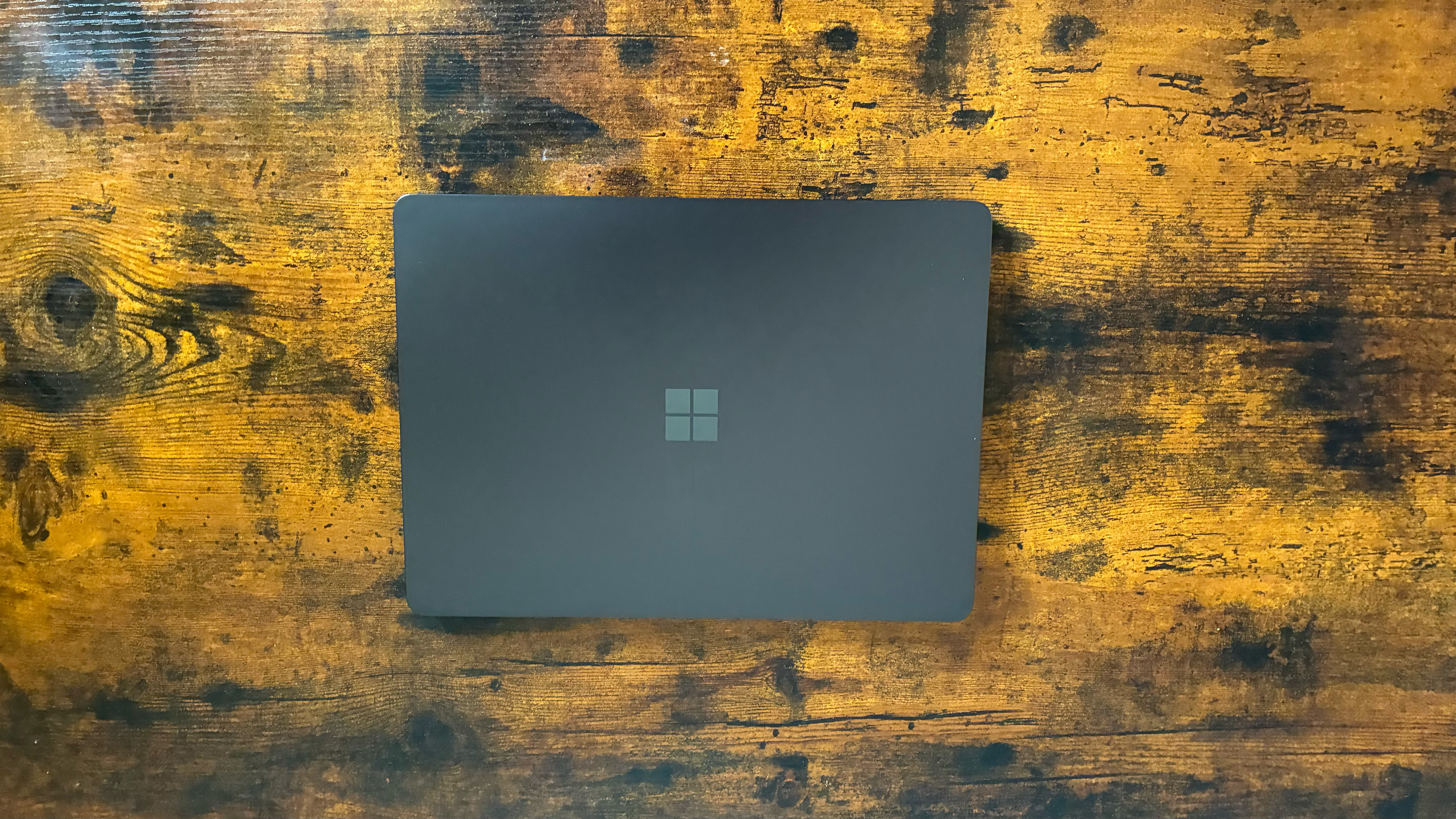
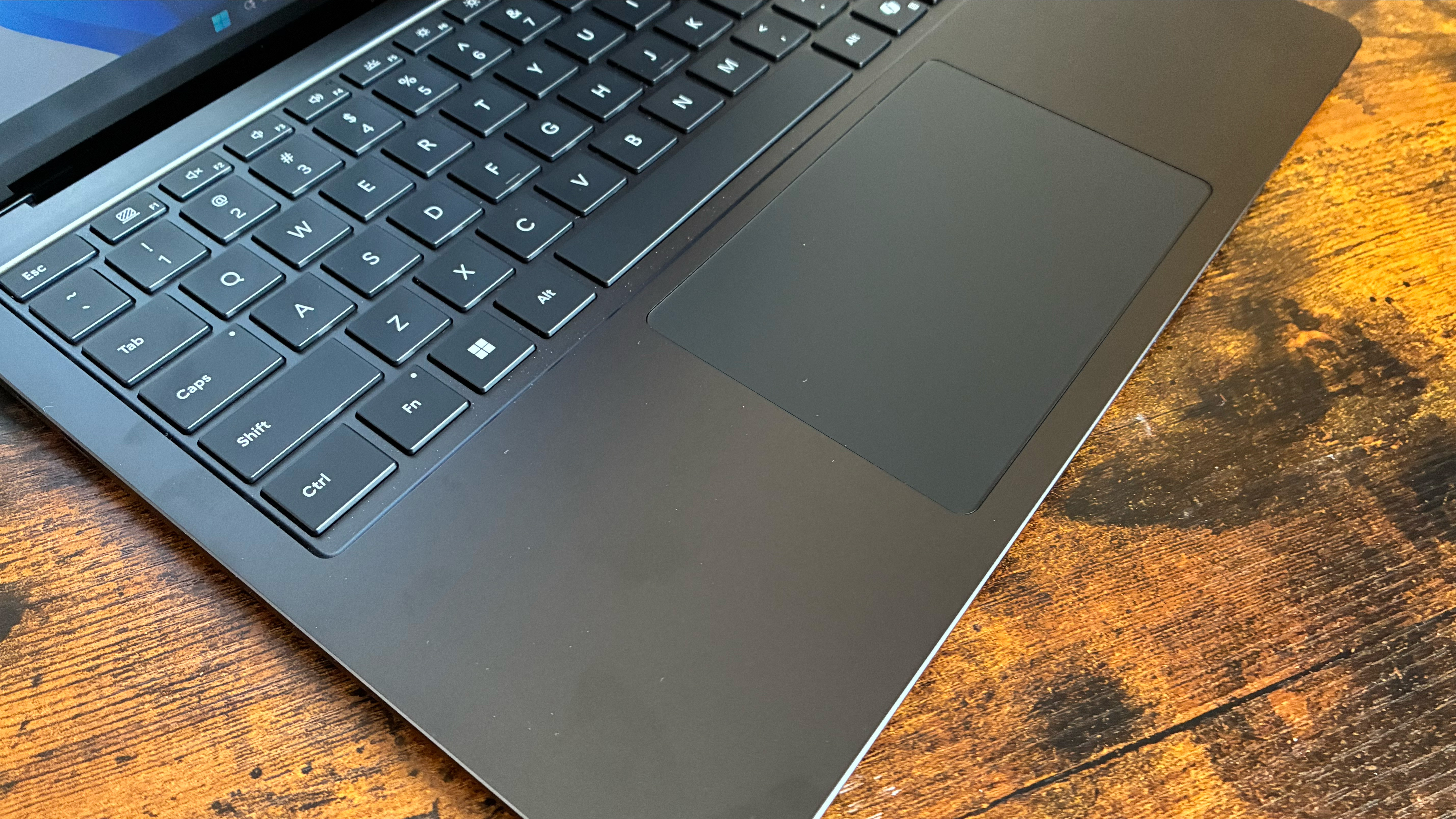
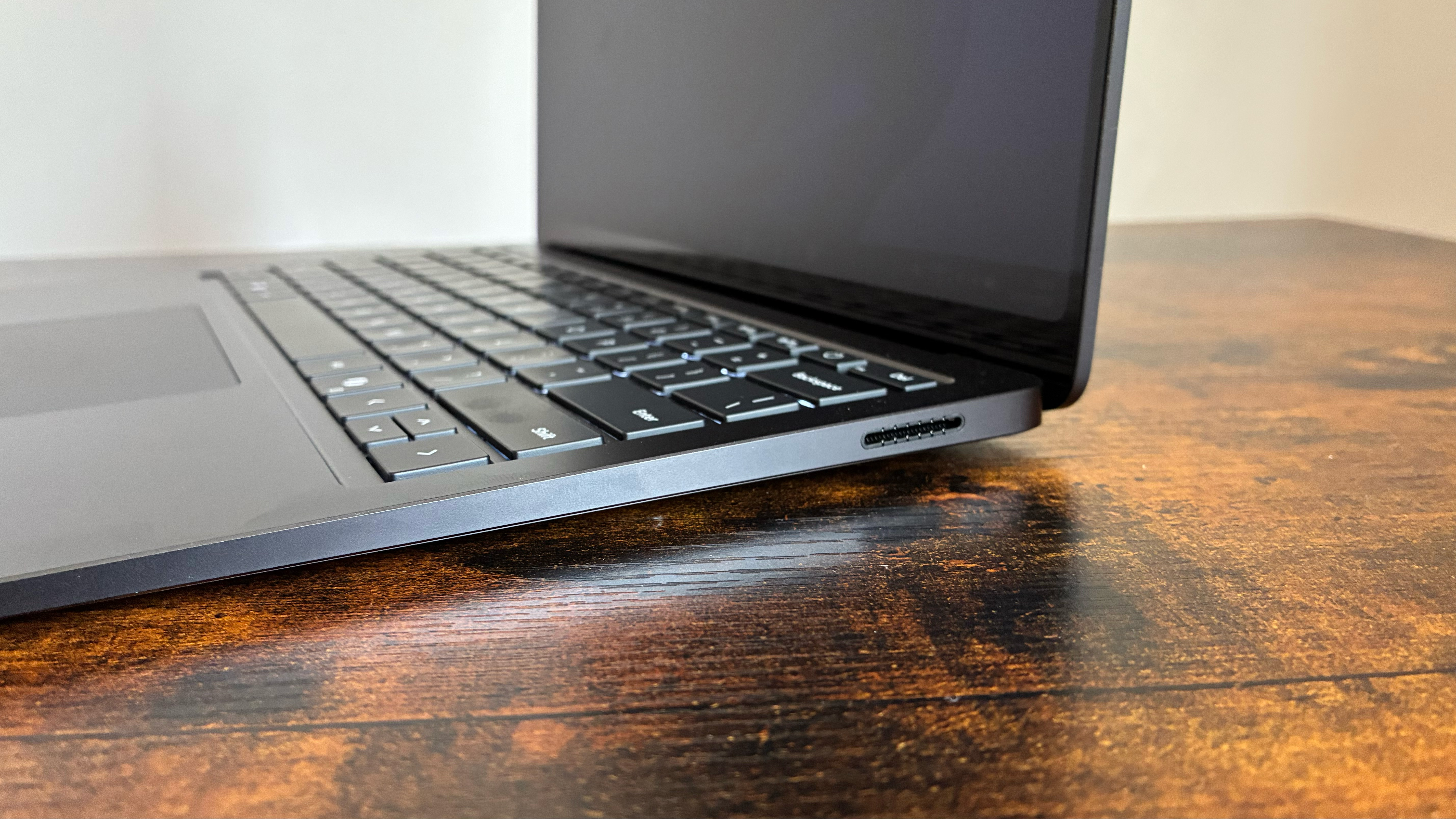
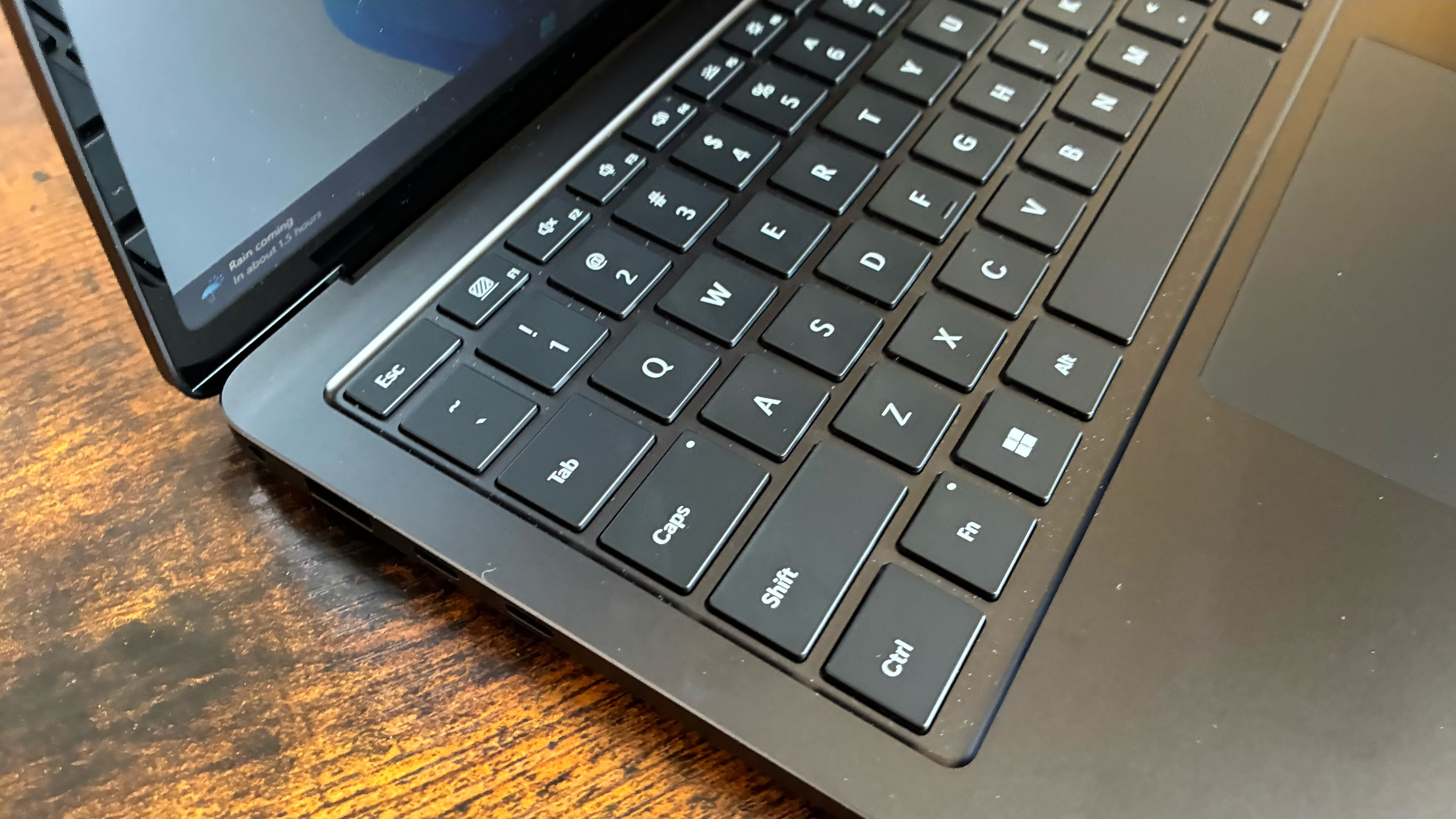
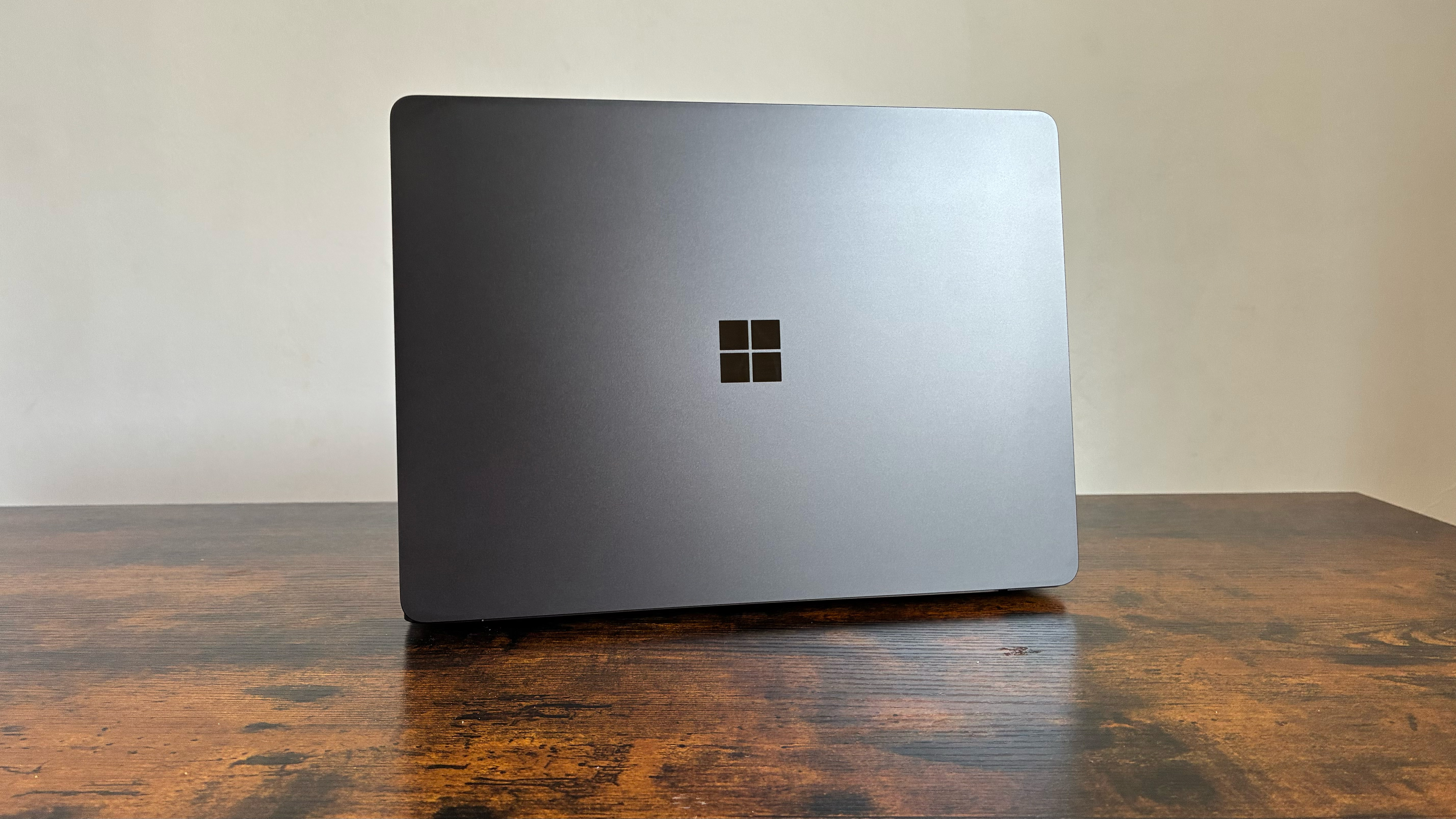
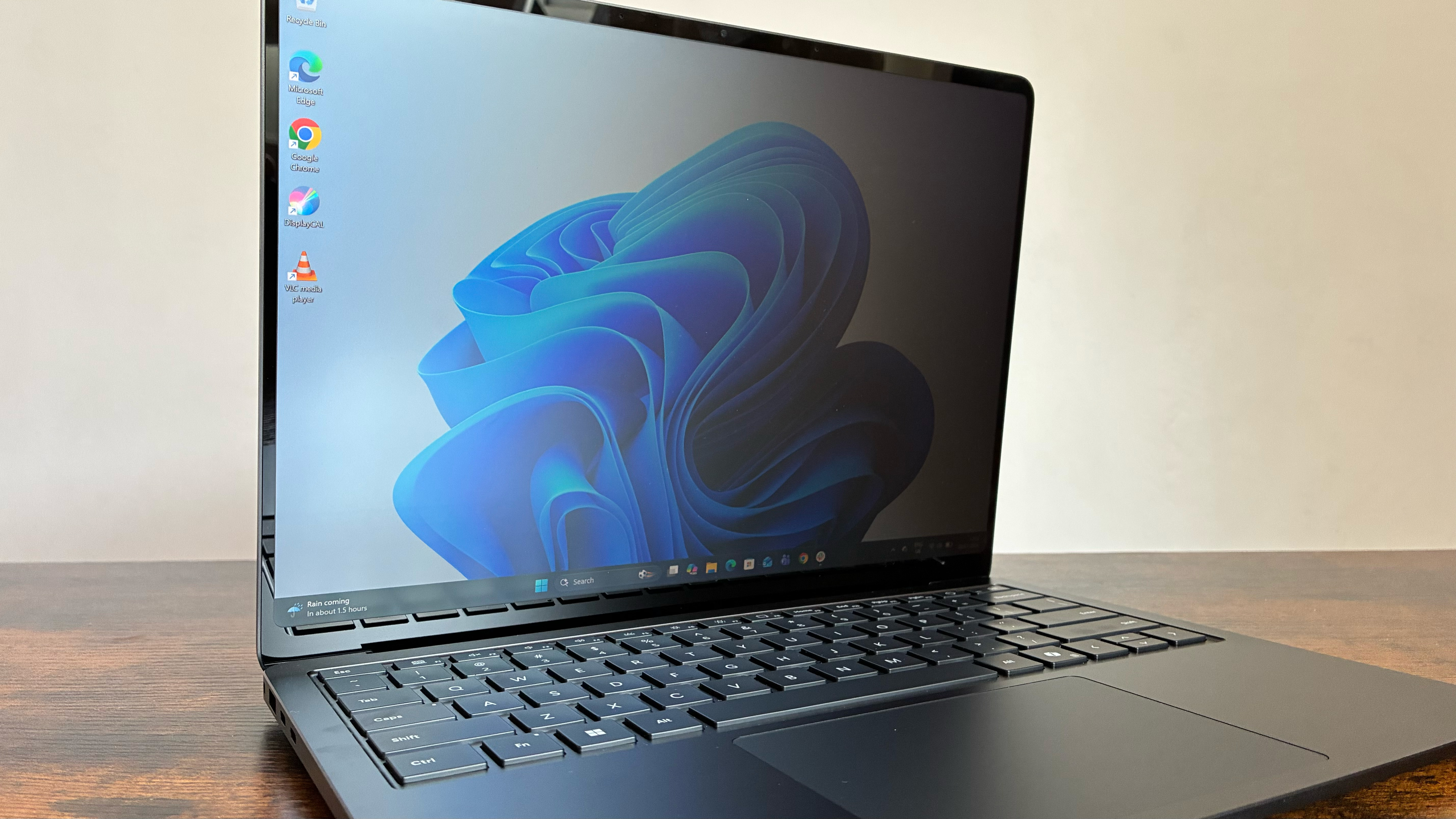
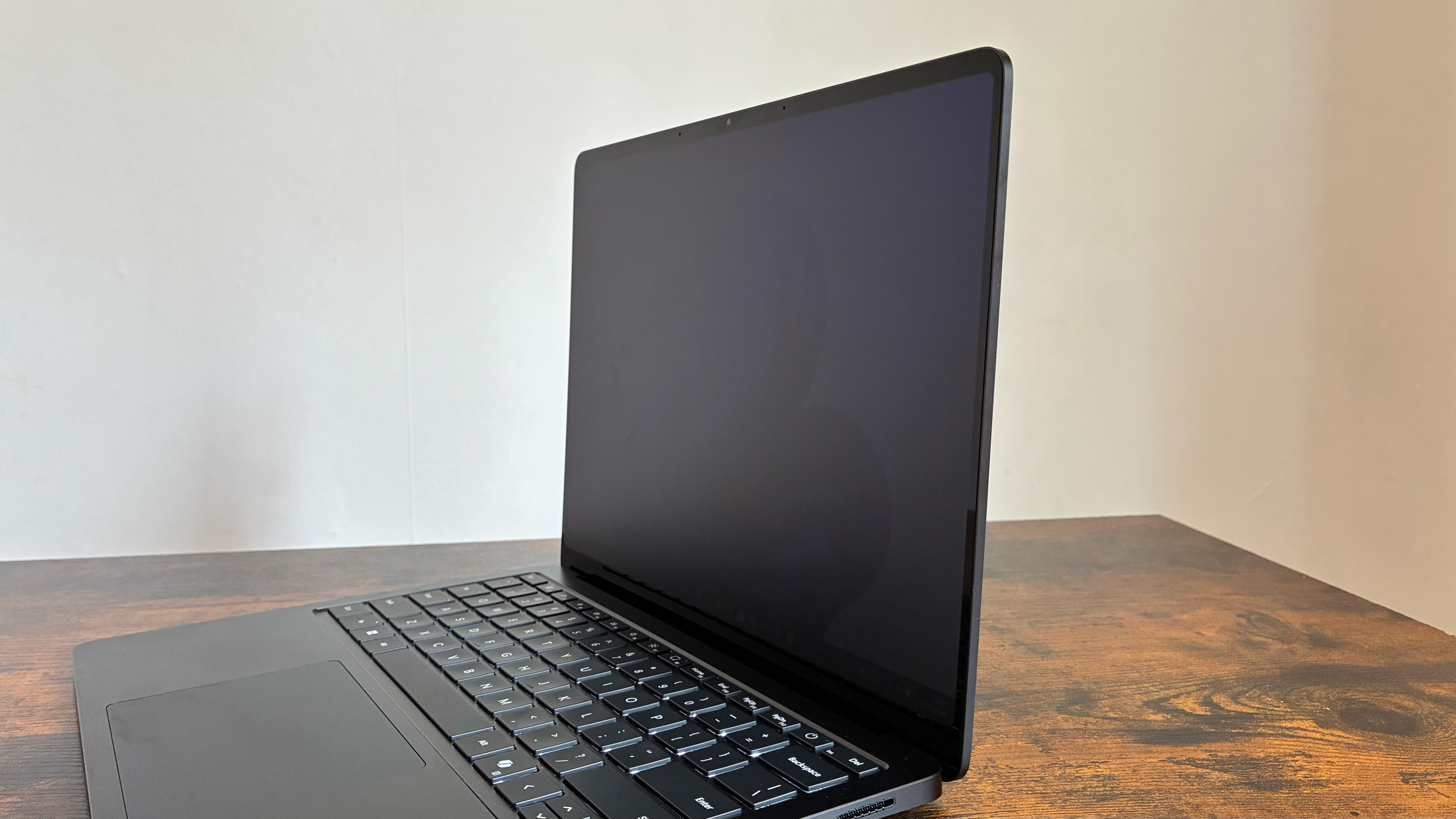
Much like last year’s Surface Laptop 7, the 8th edition is a handsome beast. It keeps the same design as the 15in model ITPro tested last year, with a minimalist look. It has a compact chassis with a sleek black finish and a nice, light aluminium body, which is around 1.35kg. The business model that we have is made with a minimum of 61.9% recycled materials, including 100% recycled aluminium alloy and 100% recycled rare earth metals.
Best picks for you
The standard Laptop 8 comes in Platinum, Jade, Dune (a sort of sandy orange), and Black. But this is the for-business version, so we have it in black. You also get a serious but reflective Windows logo on the lid and a notchless design with specific balancing on the lid that allows you to open it with one finger.

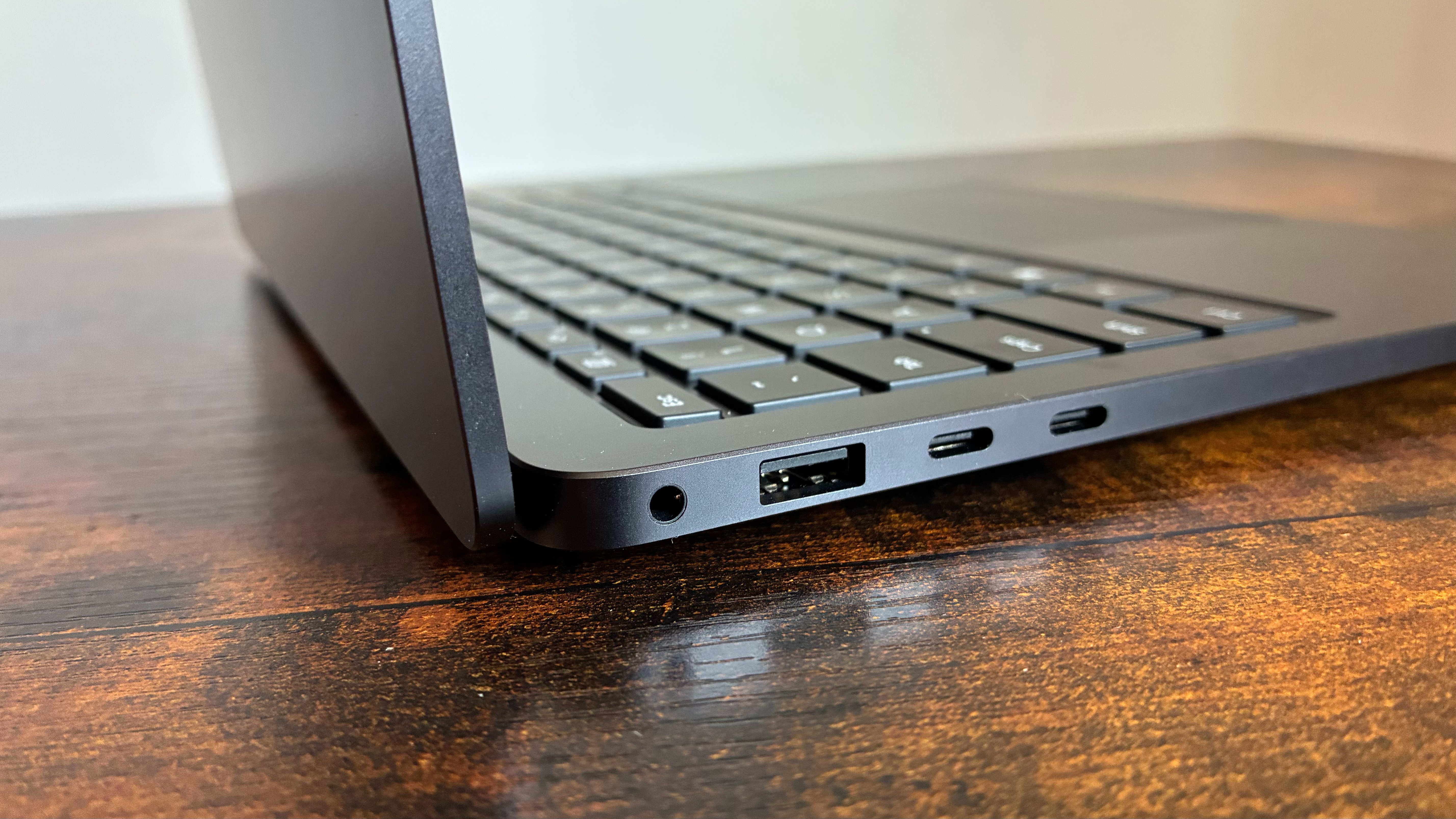
On the left-hand side, the Laptop 8 features a headphone jack, a USB-A (3.1), and two Thunderbolt 4 ports for charging and data transfer. On the right, there is just a magnetic Surface Connect port. HDMI and some form of memory card would have been nice, though you do get a MicroSDXC Express card reader on the 15in model.
Microsoft Surface Laptop 8: Display
As mentioned, our review unit has the 13.8in display: much like last year, it has a PixelSense HDR LCD panel, with 2304 x 1536 resolution and a 120Hz refresh rate. It also boasts a ten-point touchscreen, though our 13.8in model has a matte finish – so there is next to no glare.
Visibility won’t be an issue for the Surface Laptop 8. Much like Samsung’s Galaxy S26, the Laptop 8 comes with a privacy display, which is activated via a button on the function row. Once this is on, no one will be able to see your display from the side – though it is still oddly visible from above.
(Image credit: Future)
In our tests, it hit a peak brightness of 444.08 cd/m2, which is actually lower than the Surface Laptop 7 we tested. But it’s still very bright and punchy. Similarly, its colors are glorious. It showcased 99.7% for sRGB gamut color coverage (144.5% for volume). It also scored high in Adobe sRGB with 86.6% for coverage and 99.6% for volume — Those are great scores, and I did find it good for photo editing.
I also did some video editing on the Surface Laptop 8, and while it might not have the biggest display, it is highly capable. The touchscreen element is very useful here, though it can be fiddly when tweaking volume levels with fingers – a job best left to the trackpad.
Microsoft Surface Laptop 8: Keyboard and trackpad
The keyboard on the Surface Laptop 8 is smart and professional-looking, color-matched to the rest of the build, and has nice-sized keys. The volume keys are on the left-hand side of the function row, and F1 is for the all-new privacy display.
I found typing really smooth on the keyboard as it has plenty of travel. Unless you type with the brute force of Erling Haaland, you won’t hear much noise from the Surface Laptop’s keyboard. Just a faint muffled clack. I could hardly hear it over my desk fan, for instance. It’s both really good and slightly unsettling.
There are little tweaks on the touchpad that make a big difference to the user. The haptic feedback, for example, has been subtly improved or increased. You just get a little bit more feel for clicking and closing applications – it’s very nice.
Microsoft Surface Laptop 8: Specs and Performance
(Image credit: Future)
There are Snapdragon models of the Surface Laptop 8, though the business variants are Panther Lake affairs. Specifically, the 13.8in model we have is sporting the Intel Core Ultra X7 368H chip and 32GB LPDDR5x RAM.
I can’t complain about the performance or really compare it to the Snapdragon models, though it is worth noting that the Laptop 7 did seem to be stronger and smoother with Snapdragon.
In Geekbench 6, our Panther Lake mode hit 2,764 single-core workloads and 14,485 for multi-threaded. Both scores are high, maybe not M5 MacBook Pro high, but high nonetheless. Though it is worth pointing out that the multithreaded score for the 8 was slightly lower than the 15in Laptop 7. But only slightly.
In our looped video test, where we play 20 minutes of Spider-Man 2 with the display set to 170cd/m2, the Surface Laptop 8 lasted 18hrs 43mins. That’s over ten minutes more than our Surface Laptop 7 review. In real terms, it never let me down. I took it out into the world for a day and didn’t need a charge. It has staying power.
Microsoft Surface Laptop 8: Features
The 8 comes with a 1080p Surface Studio camera (Full HD) with support for Windows Studio Effects. So you get automatic eye framing, blurred backgrounds, and facial recognition with Windows Hello. From my own personal use, the webcam is very crisp, and there’s a lot of artificial touching up – I’ve never looked better in work meetings.
Much of this is down to the on-device AI, powered by the Intel AI Boost NPU (48 TOPS). So you have AI shortcuts with the Copilot button, image enhancements, and the now-usual generative AI shortcuts for summarization and text generation. It’s all very flashy, but not incredibly useful.
Microsoft Surface Laptop 8: Is it worth it?
There’s lots to love on the Microsoft Surface Laptop 8; its battery life is great, the keyboard and touchpad are excellent, the display is bright and beautiful, and you get some privacy, provided no one simply looks over the top of the screen. All in all, it’s a solid business machine.
Pricing might be its biggest issue (£1,599.99), but given the global state of RAM, that can be said for most premium laptops. So, taking that into account, there is generally some value for money here.
Microsoft Surface Laptop 8 specifications
CPU
Intel Core Ultra X7 368H
Row 0 – Cell 2
GPU
Intel Arc Graphics
Row 1 – Cell 2
NPU
Intel AI Boost with 40 TOPS
Row 2 – Cell 2
Display
13.8in PixelSense HDR LCD, 2304×1536, 120Hz
Row 3 – Cell 2
RAM
32GB LPDDR5x RAM
Row 4 – Cell 2
Storage
up to 1TB
Row 5 – Cell 2
Connectivity
Wi-Fi 7, Bluetooth 5.4
Row 6 – Cell 2
Ports
2 x USB-C with USB4 Thunderbolt 4 ports (charge, data transfer), DisplayPort 2.1, Surface Thunderbolt 4 Dock, USB-A 3.1, 3.5 mm headphone jack, and Surface Connect port
Row 7 – Cell 2
Dimensions (LWH)
301 x 220 x 17.5mm
Row 8 – Cell 2
Weight
1.35kg
Row 9 – Cell 2
Operating system
Windows 11 Pro
Row 10 – Cell 2
Microsoft Surface Laptop for Business 8: Price Comparison

