
VPS vs. Dedicated Hosting: 4 Key Differences
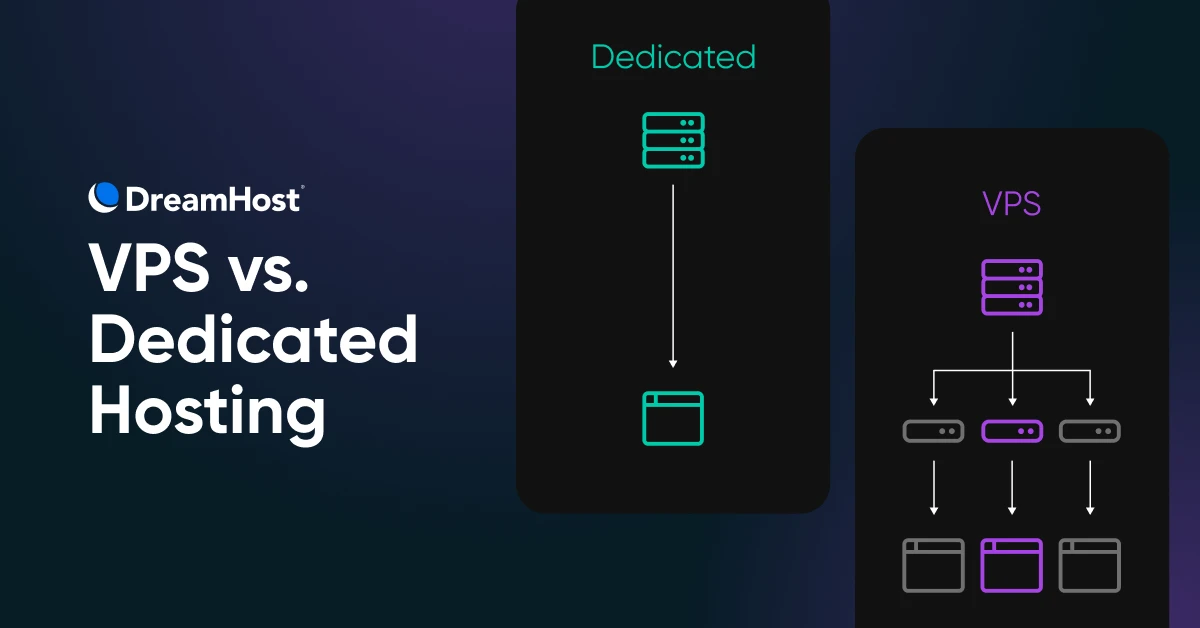

VPS vs. dedicated hosting comes down to one question: how much of the server is yours? A virtual private server (VPS) gives you a private, partitioned slice of a shared physical machine — an affordable middle ground for growing sites. Dedicated hosting gives you the entire physical server, with the performance, isolation, and control high-traffic sites need.
Back in kindergarten, we were all encouraged to share, and it was a lovely idea. As adults, we learn that being selfish has its upsides as well.
To be clear, we’re not really talking about generosity of spirit here. We’re talking about web hosting.
Shared hosting is great when you’re just starting out. But as your business grows, you can soon find that your site is begging for more resources, a sure sign that it’s time for an upgrade.
A different hosting plan may offer faster loading speeds, less downtime, and better security. The trick is to find the right hosting option for your website.
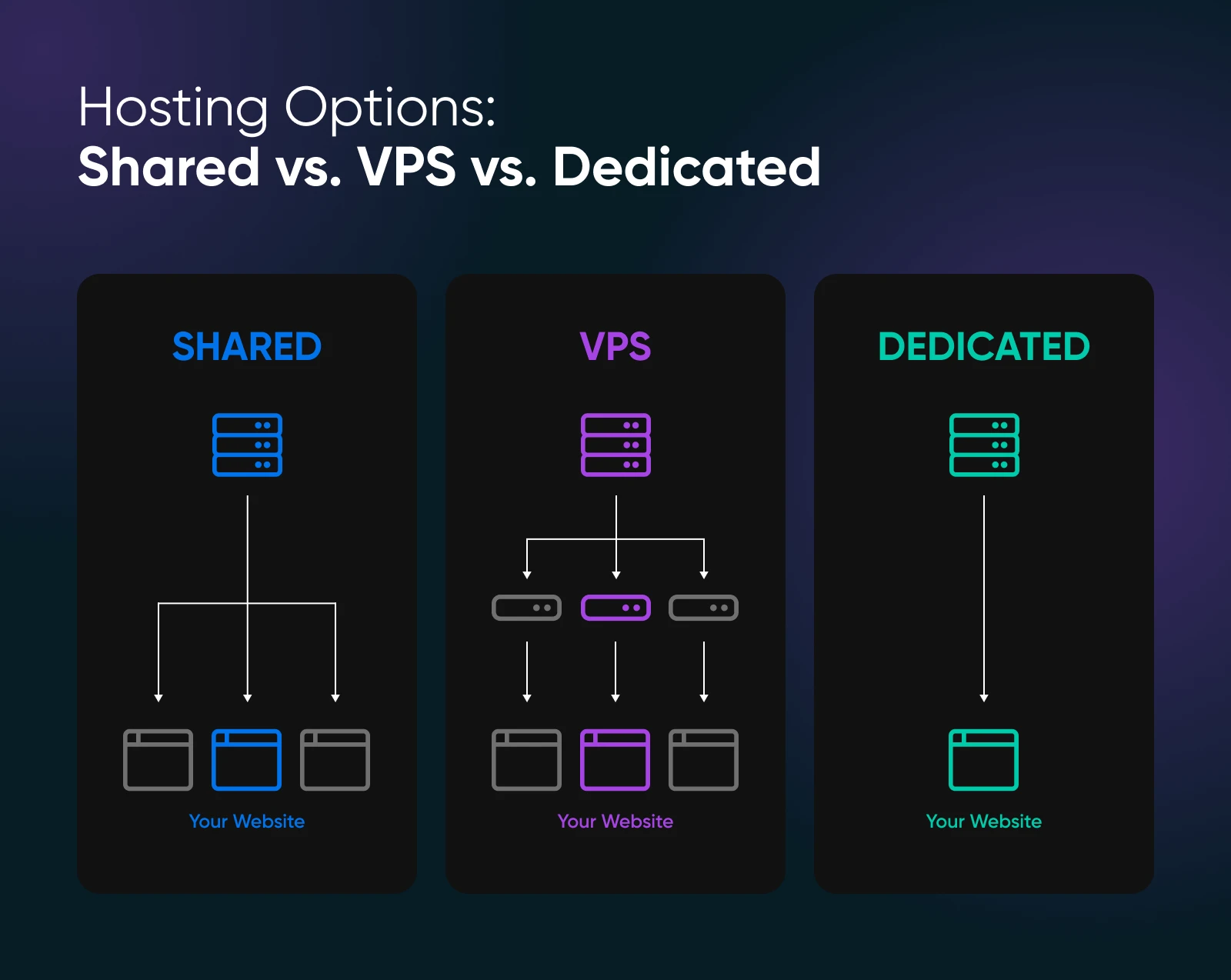
Both virtual private server (VPS) and dedicated hosting give you a customizable server of your own, separate from other websites. VPS is the more affordable option, acting as a middle ground between shared and dedicated servers. In contrast, dedicated hosting can provide more extensive resources to handle high web traffic.
In this post, we’ll go through all the key differences between VPS and dedicated hosting. Then, we’ll show you how to choose the best hosting plan for your needs.
Let’s get started!
What is VPS hosting, and how is it different?
Even before you start building and designing your website, it’s worth thinking about web hosting.
When you sign up with a hosting provider, you’re essentially purchasing space on a server to house your site. Countless types of hosting plans are available, each offering something a little different.
Many beginners start with shared hosting. This places your website on the same server as several other sites, a bit like living in an apartment block. A shared hosting plan allows you to share resources with other users, making it the least expensive option.
One step up from shared hosting is a virtual private server.
VPS Hosting
A Virtual Private Server (VPS) is a virtual platform that stores data. Many web hosts offer VPS hosting plans, which give site owners a dedicated, private space on a shared server.
Read More
Like shared plans, VPS hosting involves sharing a physical server. However, the provider will install a virtual hosting environment on top of the server’s operating system (OS). This setup gives your website its own dedicated resources — the equivalent of a virtual condo.
A VPS works by using a hypervisor to create virtual machines for each website on the server. Put simply, your site is on shared server space, but it has its own partitioned resources.
With VPS hosting, you get many of the same benefits as a dedicated server without the higher price, making it a cost-effective option for growing websites. VPS plans may also include unmetered bandwidth (DreamHost pairs it with $0 overage fees), dedicated disk space, a personal OS, and scalable random-access memory (RAM).
Pros:
- More cost-effective than dedicated hosting
- Better performance than basic shared hosting
- Scalable resources (e.g., RAM)
- Often includes unmetered bandwidth
- Personal operating system
- Suitable for growing websites
Cons:
- Still shares a physical server with other users
- Less control over hardware compared to dedicated hosting
- Potentially lower performance than dedicated hosting
What is dedicated hosting, and when do you need it?
A VPS still means sharing a server, but a dedicated hosting account means taking control of an entire server. It’s like renting your own tropical island with all kinds of resources.
Dedicated Hosting
Dedicated hosting uses a server dedicated to a single customer. The client has complete control over the server, and they are responsible for all of its maintenance and administration.
Read More
Although it’s a relatively expensive option, this type of setup can significantly improve your loading speeds — giving your customers a satisfying site experience. In fact, faster loading can have a direct impact on your conversion rate: the Google-commissioned “Milliseconds Make Millions” study (Deloitte and 55, 2020) found that a 0.1-second improvement in mobile site speed led retail customers to spend 9.2% more.
You can also customize the software and physical hardware of your server to match your website hosting needs.
The main downside of dedicated hosting is its high cost. Purchasing a dedicated server can be expensive, especially compared to shared and VPS hosting’s affordability. Plus, unless you choose a managed dedicated plan, you’ll be responsible for the configuration and maintenance of your server.
Pros:
- Full control over an entire server
- Significantly improved loading speeds
- Customizable software and hardware
- Ideal for high-traffic or resource-intensive websites
Cons:
- Relatively expensive option
- Higher maintenance responsibility
- Requires more technical knowledge for configuration
- May be overkill for smaller websites or businesses
Managed vs. unmanaged hosting: who runs the server?
Before you compare specs, decide who you want running the machine. Both VPS and dedicated servers come in two flavors:
- Managed: The provider handles server administration, maintenance, and security, so you can focus on your website instead of system updates. DreamHost Managed VPS works this way, and DreamHost dedicated servers are fully managed, with 24/7 monitoring by in-house experts.
- Unmanaged (self-managed): You get root access to the server and handle the administration (operating system updates, security patching, and software installs) yourself. It’s typically cheaper and more flexible, but it assumes you’re comfortable at a Linux command line. DreamHost’s self-managed VPS plans take this approach.
If you don’t have a sysadmin (and don’t want to become one), managed hosting is worth the premium. If you want total control, self-managed gives it to you.
VPS vs. dedicated hosting: a head-to-head comparison
So far, we have shaken hands with VPS and dedicated hosting. They are just acquaintances at this point.
Before you start a committed relationship with either hosting plan, it’s worth getting to know them better. Let’s do that now!
1. Security and Performance
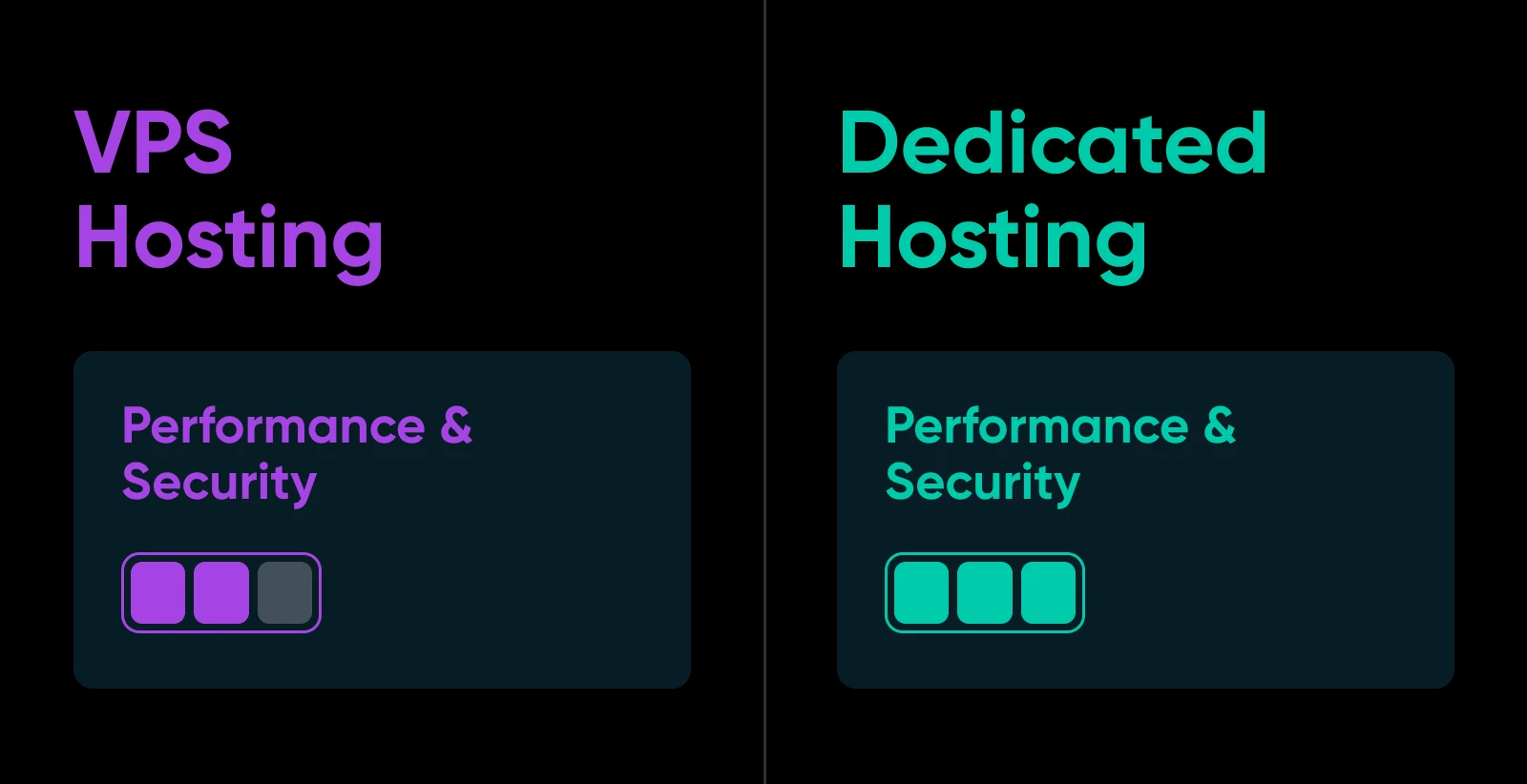
Both VPS and dedicated hosting plans offer a higher level of security and performance than regular shared hosting. The difference is the size of the upgrade.
With a VPS hosting plan, you get a partitioned space on a server and a dedicated set of resources. This means you can expect faster page loading times and less downtime.
VPS hosting is also generally secure, especially if you choose a DreamHost Managed VPS plan. But because you are sharing server hardware with other accounts, you’re still vulnerable if other sites on the same server suffer from security breaches.
In comparison, hosting your site on a dedicated plan is significantly more secure. Since you have isolated server hardware and software, you eliminate the risk of cross-contamination from neighboring sites (your server still needs its own defenses against direct attacks, though). Plus, you can implement your own security measures, such as firewalls, anti-malware systems, and distributed denial of service (DDoS) protection.
This is important in a business context, especially because cybersecurity breaches can be very costly — whether it’s unauthorized access to intellectual property, or sensitive customer data being stolen. This alone can be reason enough to invest in an isolated hosting environment.
Dedicated hosting also offers advantages when it comes to performance. A dedicated server is the best option for handling high web traffic and customer transactions because you’ll have personal use of CPU output, RAM, and bandwidth.
To help you quantify the differences, here’s how DreamHost’s current VPS and dedicated plans compare (specs as of July 2026):
2. Customization
Customizing your web hosting space is essential if you have big ambitions or if your site is growing rapidly.
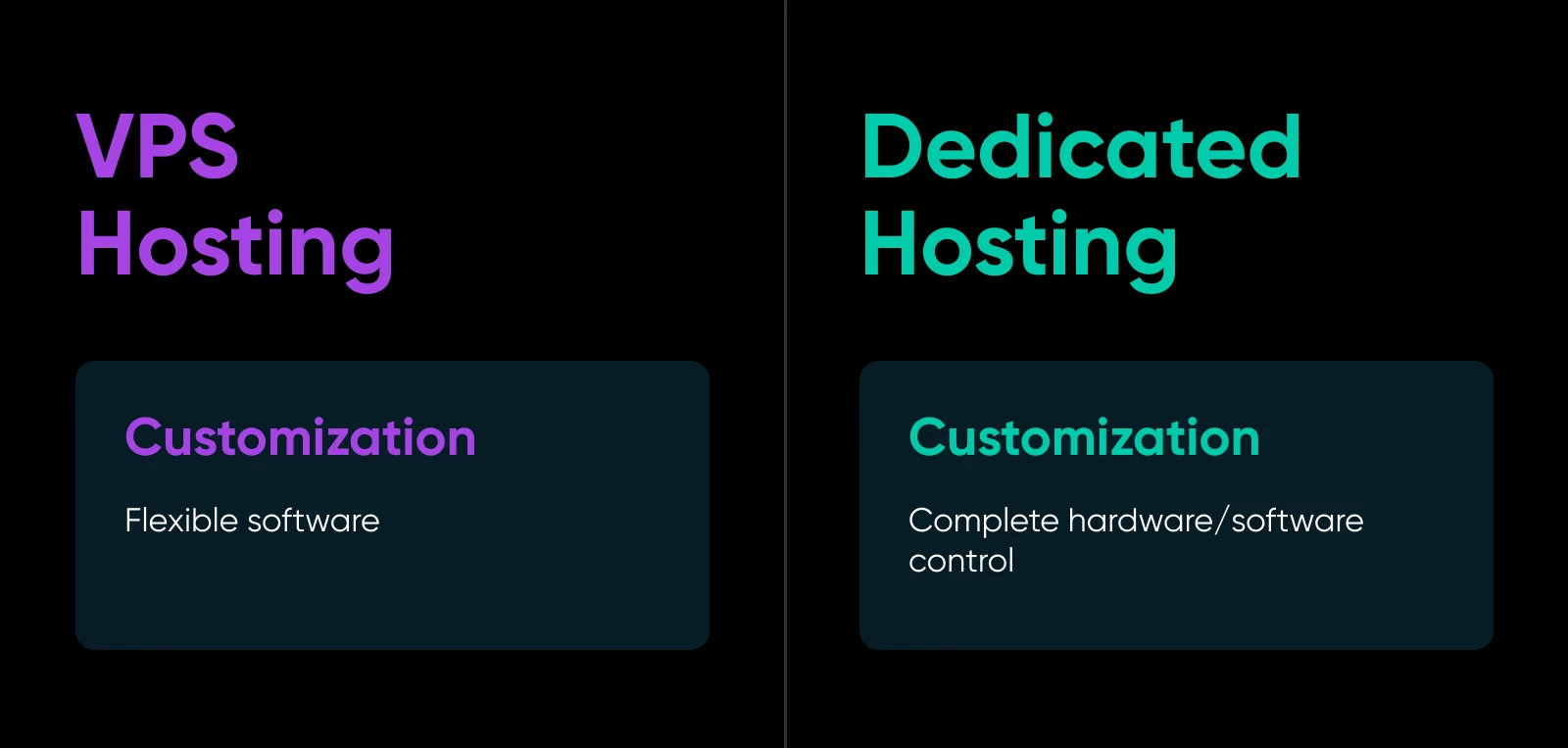
VPS-hosted websites offer more flexibility than shared hosting. After setting up a virtual private server, you can access your files and install any software you need to run your website.
This is a good start. However, you may need much more customization for larger, more complex web projects.
With dedicated hosting, you can adapt your server to your specific needs. For example, you can switch out your server software and adjust the hardware configurations. You can even install a completely different OS.
In other words, running a dedicated server is essential if you have large-scale or very specific requirements.
Let’s look at some specific examples. Here’s what VPS customization looks like:
- E-commerce: As your small online store grows into a popular brand, you might want to install specialized e-commerce software and optimize your hosting account for product catalogs.
- Custom web apps: You can use a VPS to install and configure specific programming languages, frameworks, and databases, like Python, Django, and MySQL.
- CMS optimization: While most popular content management system (CMS) platforms run smoothly on shared hosting, VPS hosting allows you to optimize your plan for your chosen system.
- Beyond websites: A VPS can just as easily run game servers, databases, email servers, and development or test environments.
Meanwhile, dedicated hosting would be a good choice for these use cases:
- High-traffic websites: News websites, online gaming platforms, or large e-commerce stores that need to handle peaks in traffic. With a dedicated server, you can customize hardware configurations and install specialized software for load balancing, caching, and content delivery networks (CDNs).
- Complex web applications: Enterprise-level applications with complex requirements (like real-time data processing) often need the kind of flexibility that dedicated hosting provides.
- Specialized needs: Some businesses need unique hardware or software configurations for daily operations. For example, a scientific research institution might need a server with specialized graphics processing units (GPUs) for data analysis — and these days, teams increasingly rent GPU-equipped dedicated servers to self-host or fine-tune AI models.
3. Scalability
If you’re looking to grow your website, you’ll need a hosting package that can keep up with demand.
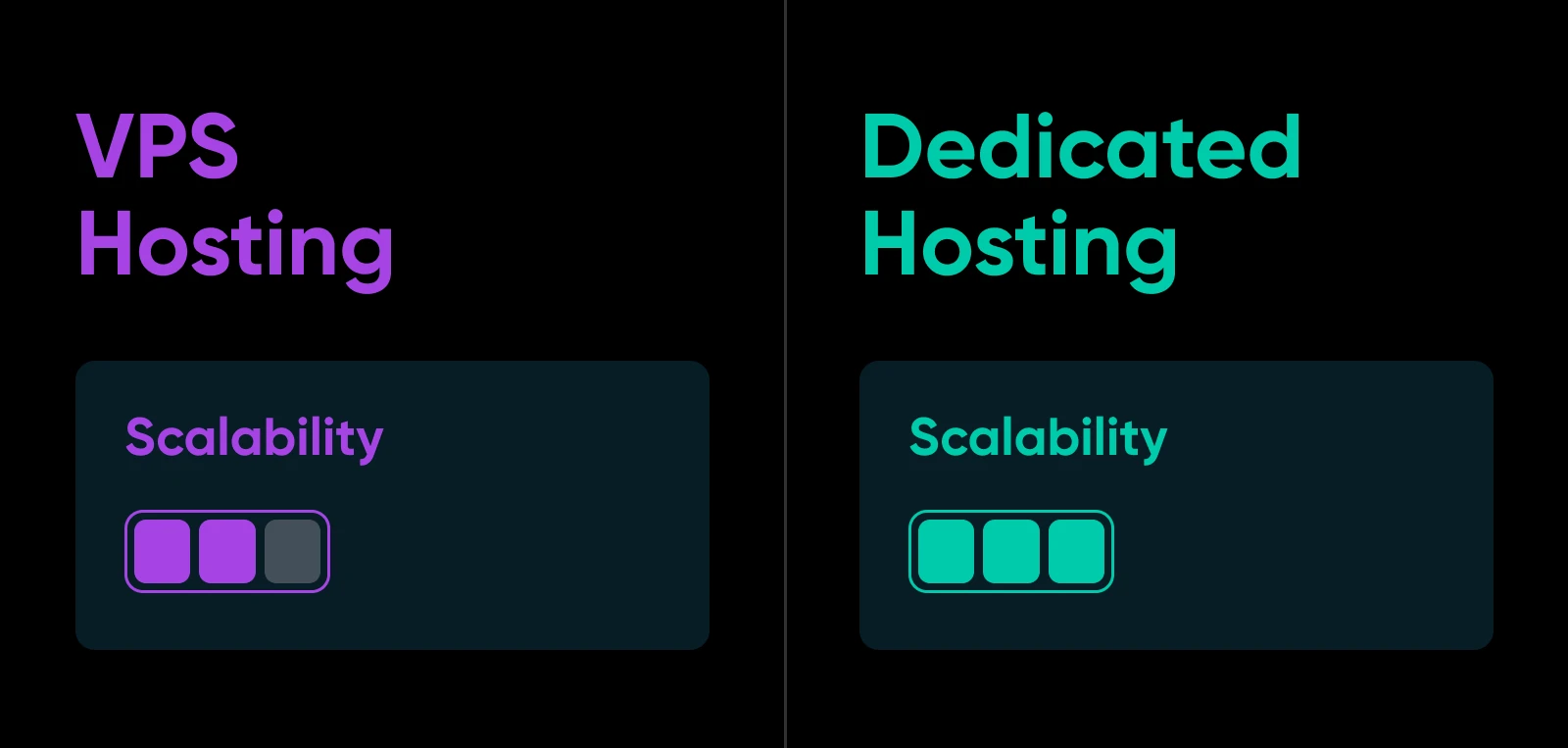
On a virtual private server, you can increase CPU, storage space, and memory as required. This can be a great option for medium-sized websites that want to expand over time. Using VPS hosting, you can scale your server resources by moving up a plan tier as you grow.
For example, DreamHost VPS hosting plans come with different RAM availability. The entry-level plan starts you off with 4GB of RAM, and larger tiers scale up to 32GB as your needs grow.
Now, when you can’t scale your VPS anymore, it’s time to consider a dedicated server. Dedicated hosting has a significant resource allocation, so you likely won’t need to upgrade your plan. With a dedicated server, you can focus on reliably maintaining your web traffic rather than increasing your server capabilities.
However, it’s still possible to move to a larger server or extend a dedicated server’s resources if needed. When you configure your server, you’ll be able to choose the amount of RAM you’ll need to handle your web traffic. You can select one RAM size above your current needs, giving you room to grow.
4. Price
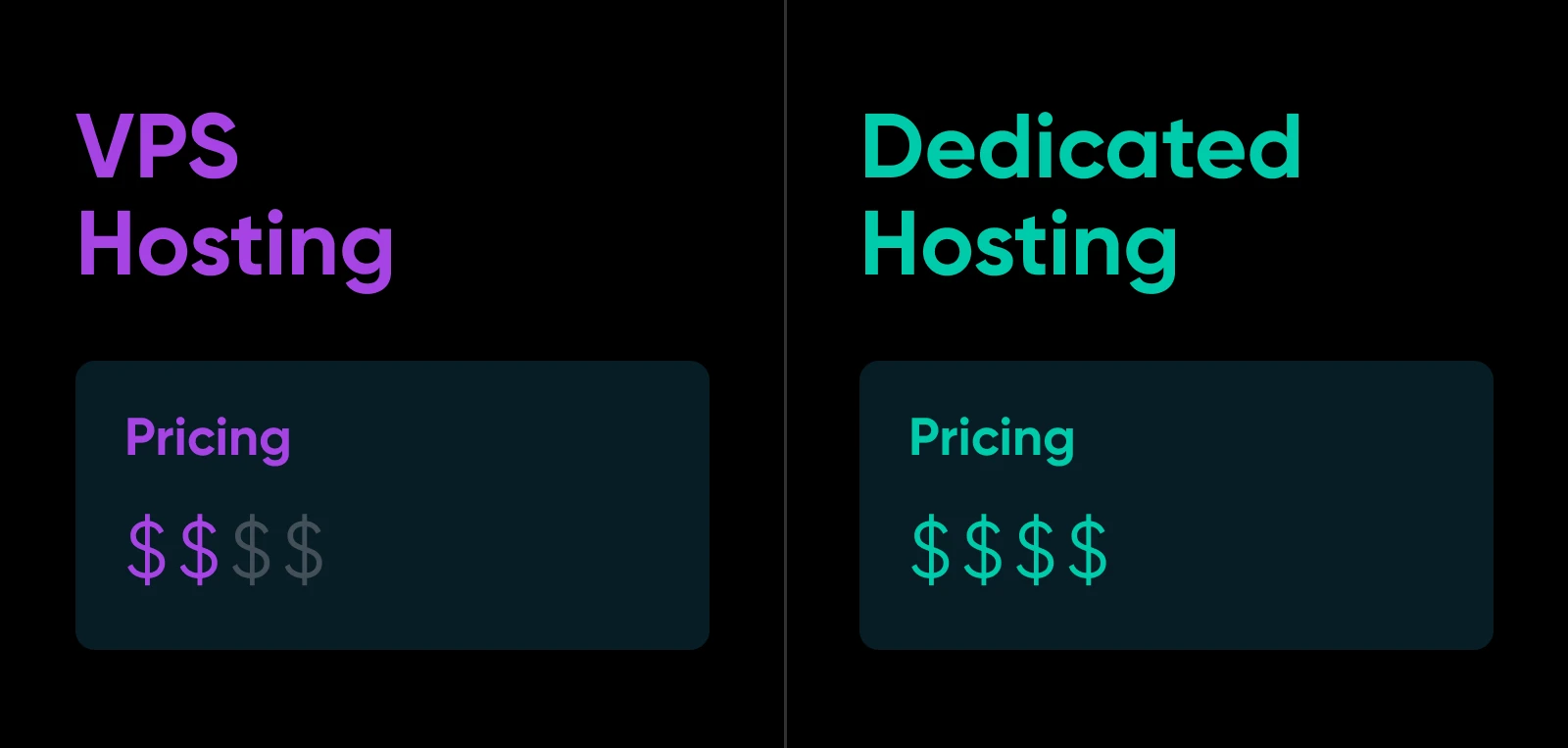
In many cases, the most meaningful difference between VPS and dedicated hosting is price. The costs of web hosting can vary widely based on which plan you choose.
VPS plans are generally pretty affordable. With multiple websites on the same server, hosting providers can offer server space at a discount.
That said, VPS plans cost more than shared plans. You can see that when comparing our web hosting and VPS hosting prices on our website.
Dedicated hosting includes an entire personal server, so the costs are accordingly higher. Our DreamHost dedicated servers can be an effective option for larger websites that need more performance, control, and versatility.
Even our lowest dedicated hosting tier comes with 16GB of RAM, DDoS protection, and a 100% uptime guarantee. With full root and shell access, you can easily start customizing your server to meet your needs. Day to day, you manage a Linux server like this over an encrypted SSH connection (Windows servers use RDP instead). If you need virtual machines of your own, many dedicated plans let you install a hypervisor and carve the hardware into VMs.
As you can tell, there’s a small chasm between the price of VPS hosting and dedicated hosting. That gap is why some SMBs skip both and consider a third model from the wider industry: cloud hosting.
Instead of a slice of one physical machine, cloud hosting runs your site on virtual servers drawn from a distributed pool of hardware. Per Google Cloud, the practical differences from a traditional VPS come down to three things:
- Pricing: A VPS charges a flat, predictable monthly rate. Cloud VMs typically use a consumption-based (pay-as-you-go) model, so you pay only for what you use, but the bill varies with your traffic.
- Reliability: If the hardware under a cloud VM fails, the workload can often migrate to different hardware automatically. A traditional VPS can go down with its physical server.
- Scaling: Cloud resources can scale up or down almost instantly with demand, while a VPS moves between fixed plan sizes.
For most growing sites, the flat pricing and simplicity of a VPS are the better deal. Cloud hosting earns its keep when your traffic is genuinely unpredictable and you need elastic capacity more than a predictable invoice.
How To Choose Between VPS and Dedicated Hosting
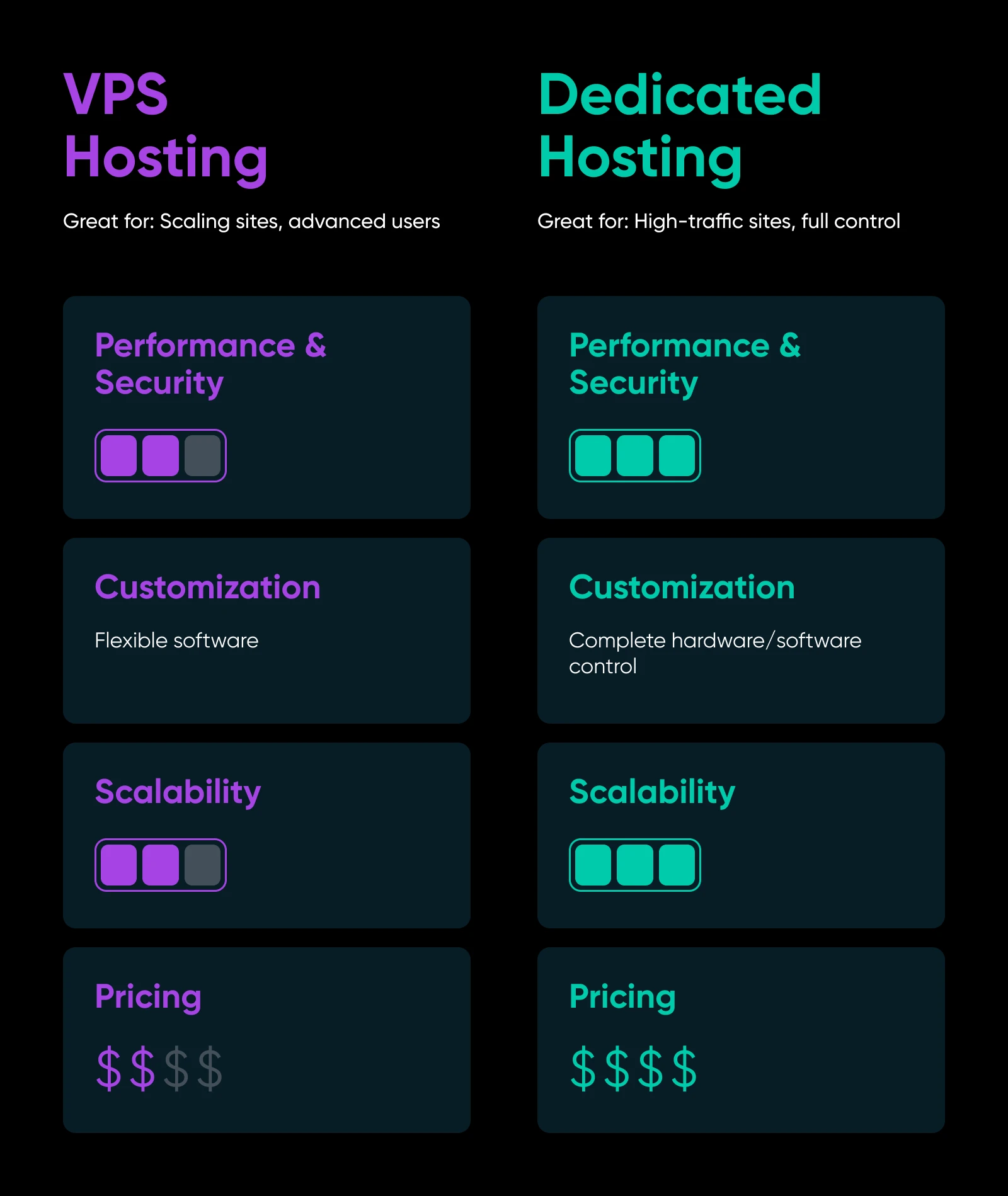
Even with all this information, making a decision between these two popular hosting plans can be tricky. To help make the choice a little clearer, here’s our summary of each option:
Why Choose VPS Hosting?
- You have a small to medium business website.
- Your online traffic exceeds shared server visitor limits.
- You need an affordable middle ground between shared and dedicated hosting.
If you choose VPS hosting, remember that you’ll share server hardware with other websites, so you might be more at risk for security breaches.
Why Choose Dedicated Hosting?
- You own a high-traffic website such as an e-commerce or business site.
- Your website has grown beyond VPS resource allocation.
- You’re comfortable with configuring and maintaining your own server.
Dedicated hosting is powerful but expensive. We recommend considering purchasing a dedicated server only after using up the scalable resources of a VPS plan.
Signs you’ve outgrown your VPS
How do you know you’ve actually hit that point? Watch for these measurable signals:
- Sustained CPU or RAM saturation: Your server runs near its limits during normal operation, not just during rare spikes.
- Heavy swap usage: The server regularly dips into slower disk-based swap because physical memory is exhausted.
- Slowdowns at peak traffic: Response times climb whenever traffic surges, even after you’ve tuned caching and code.
- You’re already on the top tier: You’ve maxed out the largest VPS plan (at DreamHost, the top self-managed plan has 8 vCPUs and 32GB of RAM) and still need headroom.
If two or more of these sound familiar, a dedicated server is the logical next step.
What switching actually looks like
Moving between hosting tiers is less scary than it sounds. The typical process: provision the new server, copy over your files, databases, and configuration, test the site on the new machine, and then update your DNS records to point at it. Your content and data carry over; server-level software usually gets reinstalled fresh on the new environment.
Done carefully, with the old server left running until DNS finishes propagating, the switch can happen with little to no visible downtime. And if you’d rather not do it yourself, a managed host’s support team can typically run the migration for you.
FAQs about VPS vs. dedicated hosting
Is a VPS cheaper than a dedicated server?
Yes, in almost every case. A VPS shares one physical machine across several customers, so providers can charge less. A dedicated server reserves the entire machine for you, and the price reflects that. Compare DreamHost VPS and dedicated plans for current pricing.
What is a VPS used for?
Websites are the classic use, but a VPS can run almost any workload: web apps and mobile app backends, online stores, databases, email servers, game servers, development and test environments, and self-hosted tools.
When should I upgrade from VPS to dedicated hosting?
When you’re consistently maxing out the largest VPS plan. Sustained CPU and RAM saturation, slowdowns during traffic peaks, and no bigger tier left to move to are the classic signs that it’s time for a dedicated server.
Can I move from VPS to a dedicated server later?
Yes. Your files, databases, and configuration get copied to the new server, you test everything, and then you update DNS to point at the new machine. Many hosts’ support teams will handle the migration for you.
Do VPS and dedicated servers include root access?
Often, but not always. DreamHost self-managed VPS and dedicated plans both include full root and shell (SSH) access. Managed plans trade some low-level control for convenience, since the provider administers the server — check what a plan includes before you buy.
Upgrade Your Hosting Plan Today
A shared hosting account is a great way to dip your toe into the web hosting world. If you’re setting up a website for the first time or keeping things compact for the time being, there’s no reason to spend more money.
However, if you have grand designs, shared hosting might not have the performance, security, and storage you need in the longer run. By choosing a VPS or dedicated hosting plan, you can build the perfect digital space for your business website.
As a reminder, here are the four key differences to consider:
Whether you choose VPS or dedicated hosting, you can find a DreamHost plan to keep your website performing at its optimal level.
Check out our plans for managed VPS and dedicated server hosting today!

Managed VPS
When You Expect Performance Get DreamHost VPS
Big or small, website or application – we have a VPS configuration for you.
See More
Did you enjoy this article?

